 TAC Game Club


Your events, automatically promoted with the ad bot
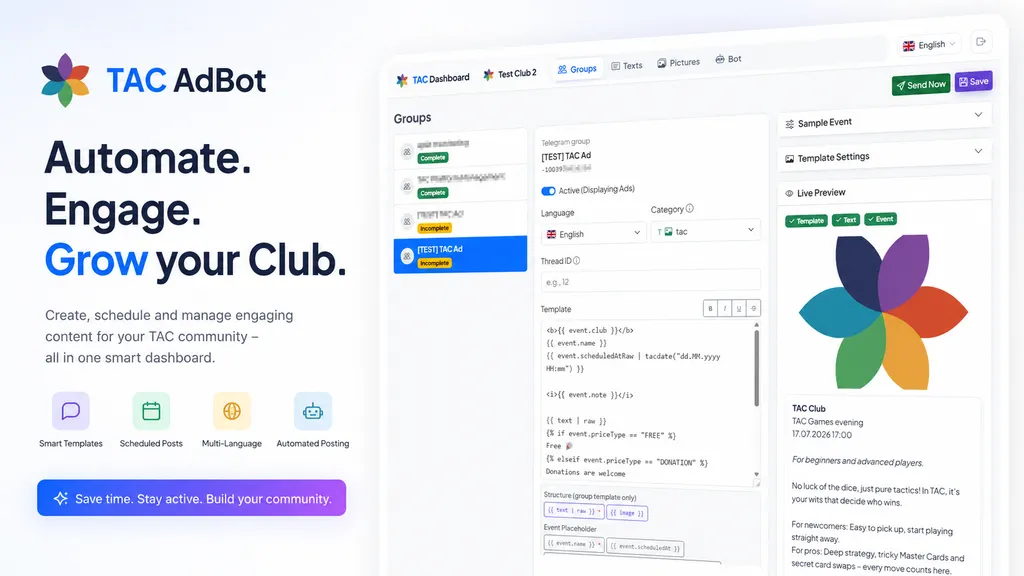
Automatically post your club's schedule to your Telegram groups—in multiple languages, with your own design, and without any daily effort. On request, the bot can even collect sign-ups.
Features
Everything your club needs for advertising
Once set up, it runs automatically – you keep full control over content and groups.
Approved events are automatically posted in your club's groups — no more manual copying. And when you're in a hurry, post instantly at the touch of a button.
The bot asks the group “Who’s in?” — every vote counts as an RSVP for the event, even for guests without the app.
Each post can link directly to the event in the TAC Mini App — no searching, no detours.
Every group receives the ads in their own language—German, English, Russian, Georgian, and Vietnamese.
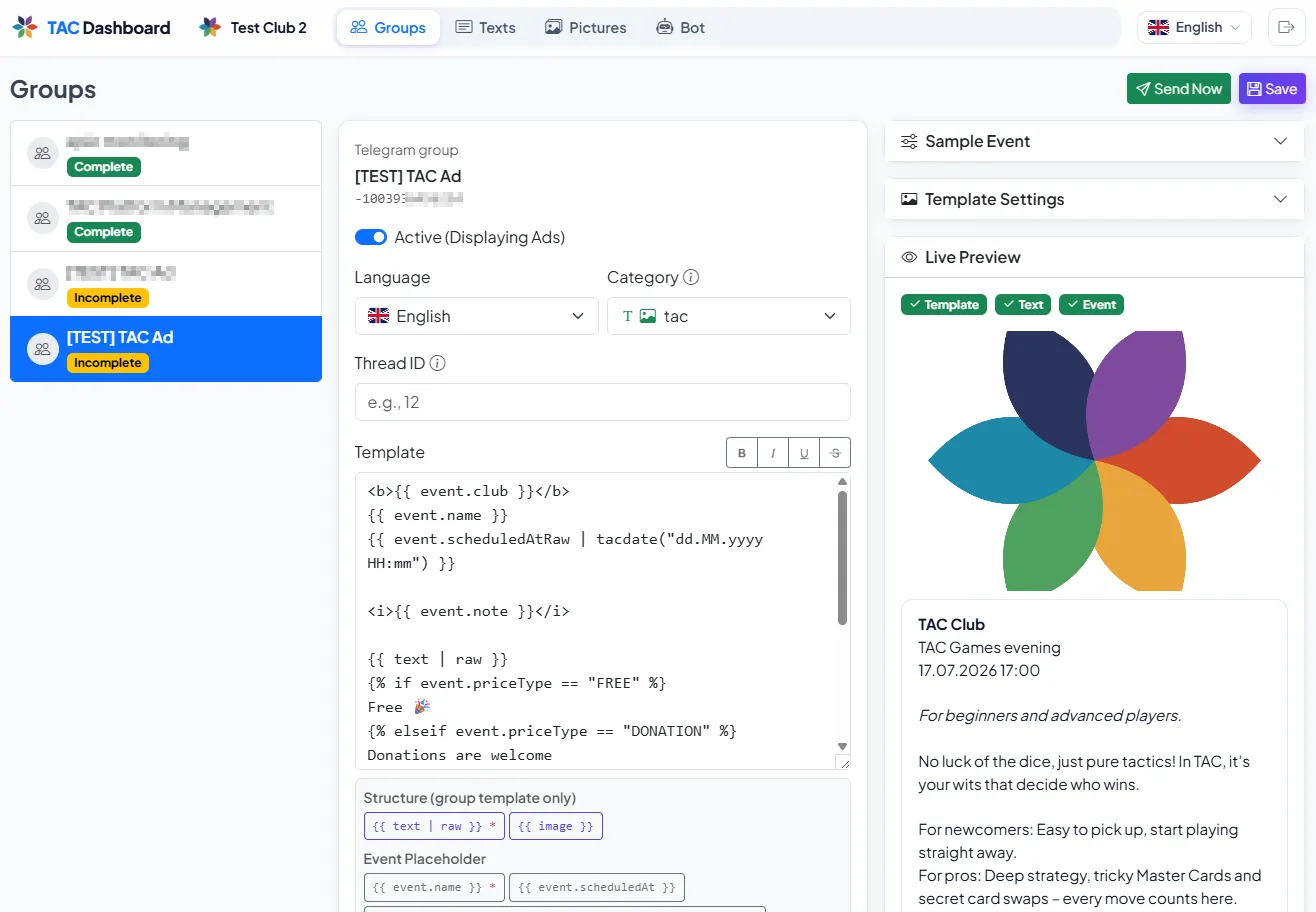
Every group starts with a ready-made template — you can customize the look and content at any time, with placeholders for name, date, location, address, map link, price, and contact person.
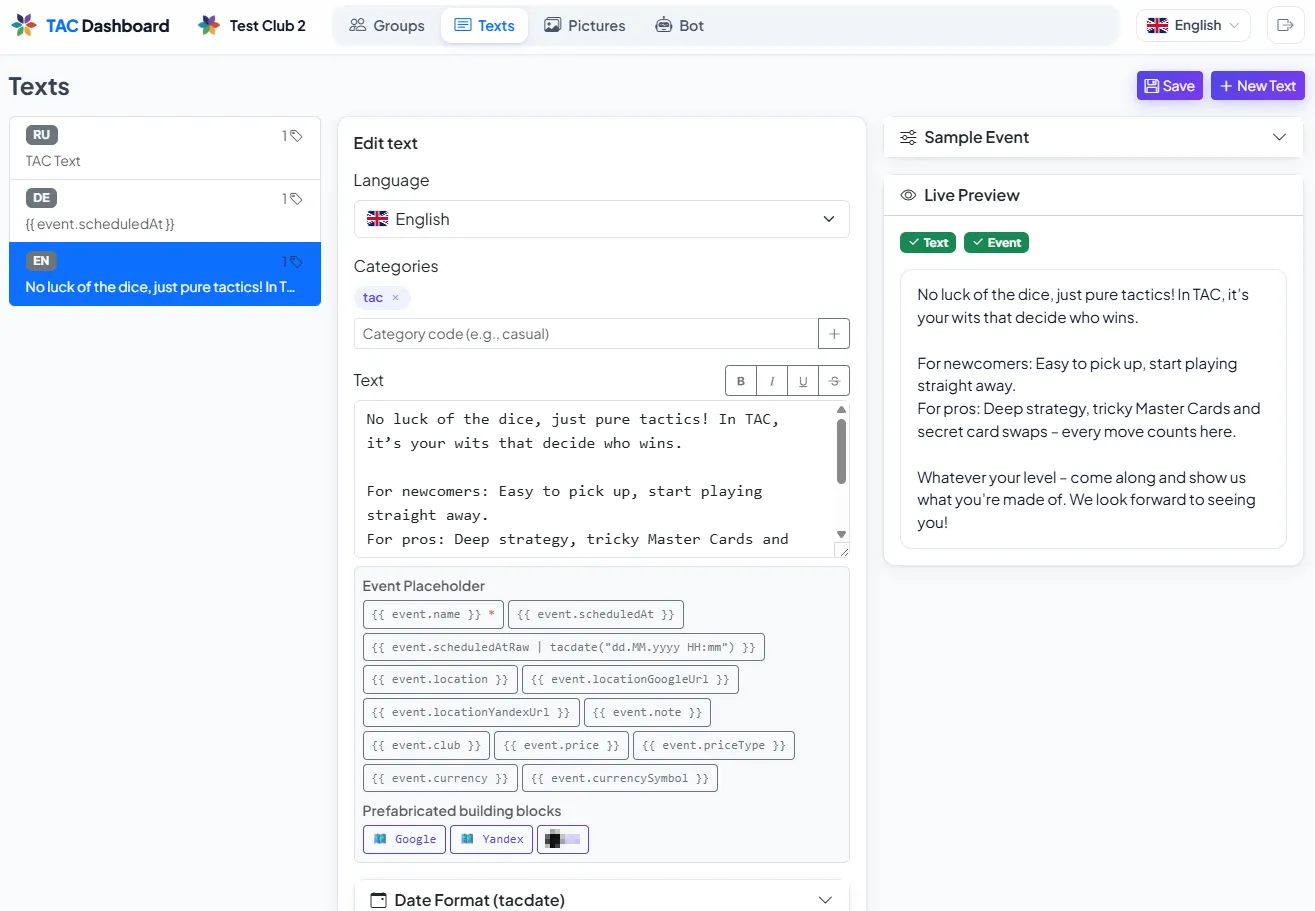
Maintain a pool of text and images; the ad bot selects suitable variations for variety.
Assign categories to groups — and individual topics — so that each receives the right content.
Ads run through your club's own Telegram bot – your name, your control.
How it works
Ready in five steps
Create your own bot
Create your own ad bot in Telegram via @BotFather in a few minutes.
Invite to groups
Add the bot as an administrator to your club's advertising groups.
Manage content
Create texts, images, and templates in your club dashboard and assign a language and category to the groups.
Post automatically
Approve events for advertising – the ad bot posts them automatically at the right time.
Collect sign-ups
Enable the poll — confirmations from the group are automatically added to the event participant list.
Under the hood
Thought out in every detail
For those who want the details – here's how every post is generated.
Templates use placeholders like the event name or date, which are automatically filled with actual event data when posted.
Text and image variants are chosen alternately from the pool so posts don't look repetitive.
Each group receives only content that matches its language and category.
The dashboard preview uses the same renderer as the actual delivery – what you see is what will be sent.
If you update an event later, the bot updates the existing post in place — without a new post. If the event is canceled, it automatically removes the post and poll.
RSVPs from the group, app, and bot are consolidated: The list under the post updates automatically and closes when the event starts.
Choose fixed text or images instead of rotating, disable images entirely, control link previews — every group exactly how your club wants it.
Bot tokens are stored encrypted; each bot uses its own secure webhook.
Preview
The club dashboard
Groups, text, images, and the bot – all in one place, managed conveniently on your desktop
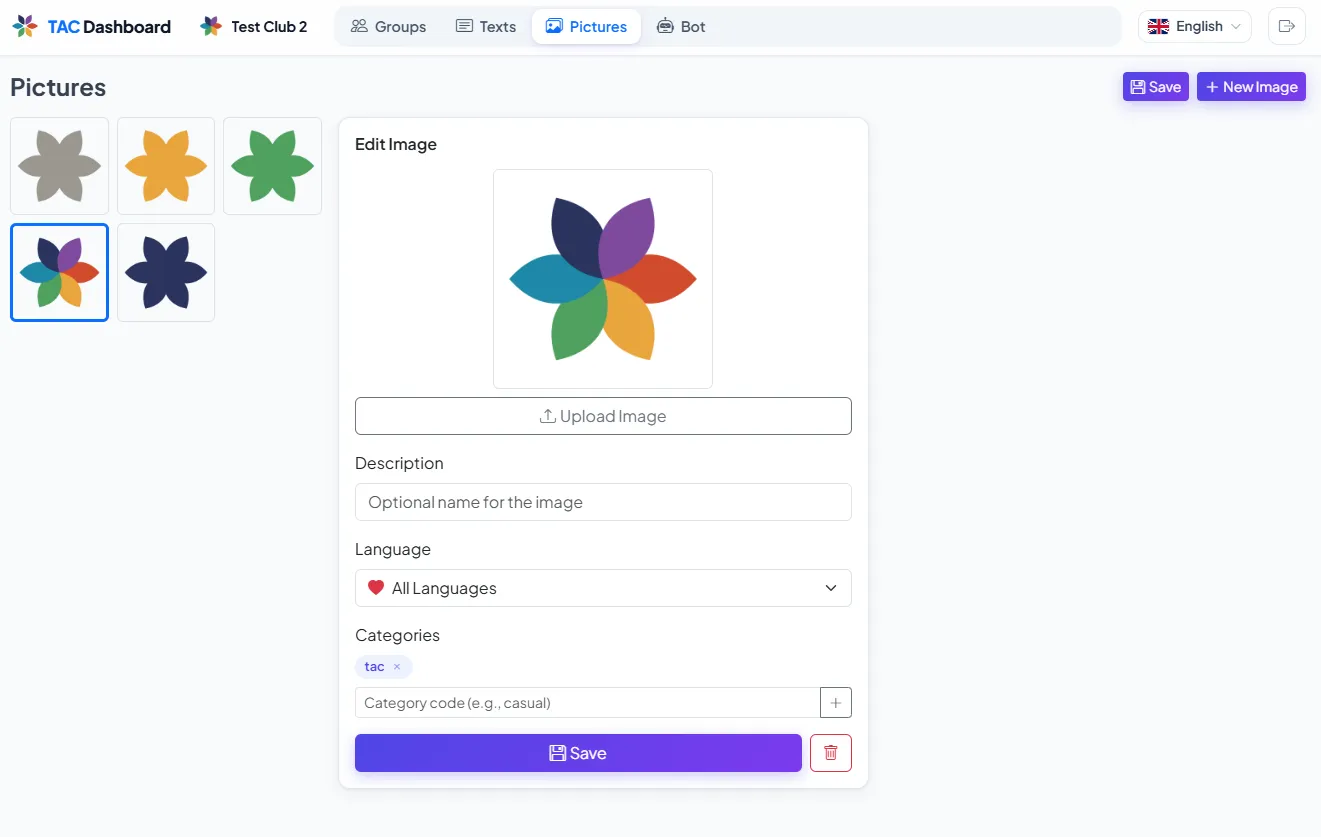
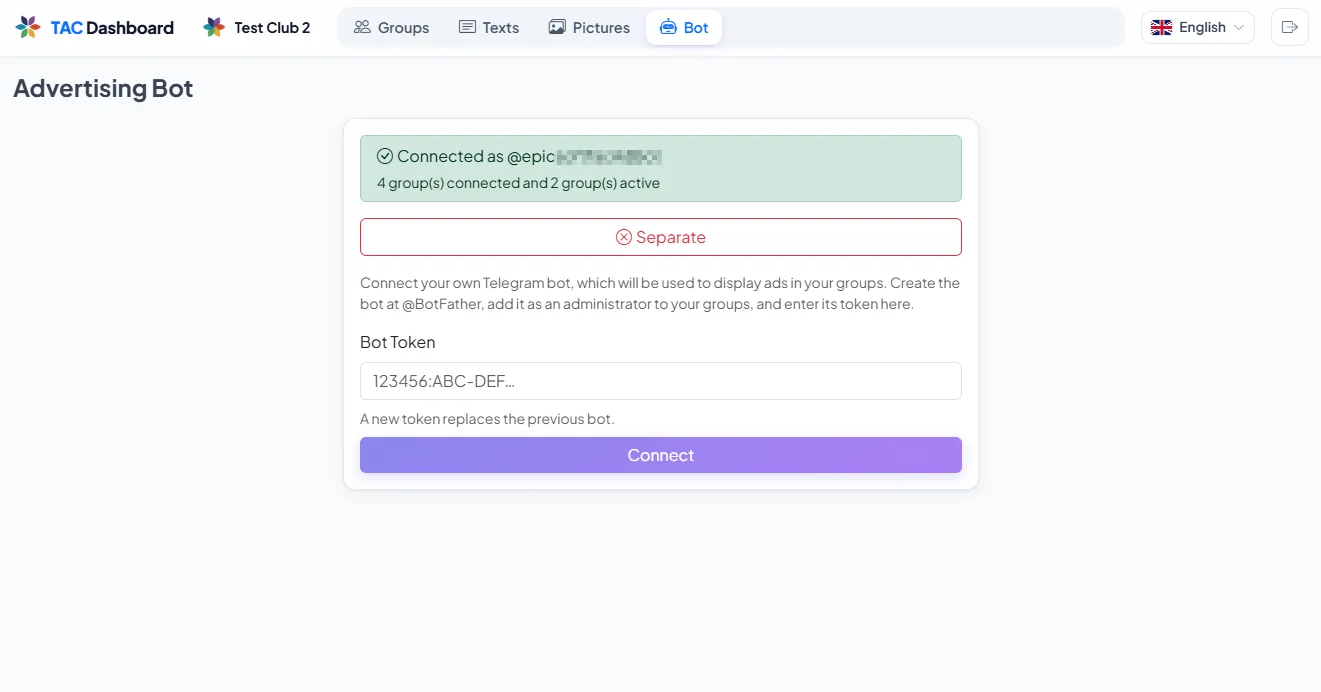
Click an image to enlarge
Ready to promote your events automatically?
Set up the ad bot in your club dashboard or activate it directly in the app.